
Reaver
Tools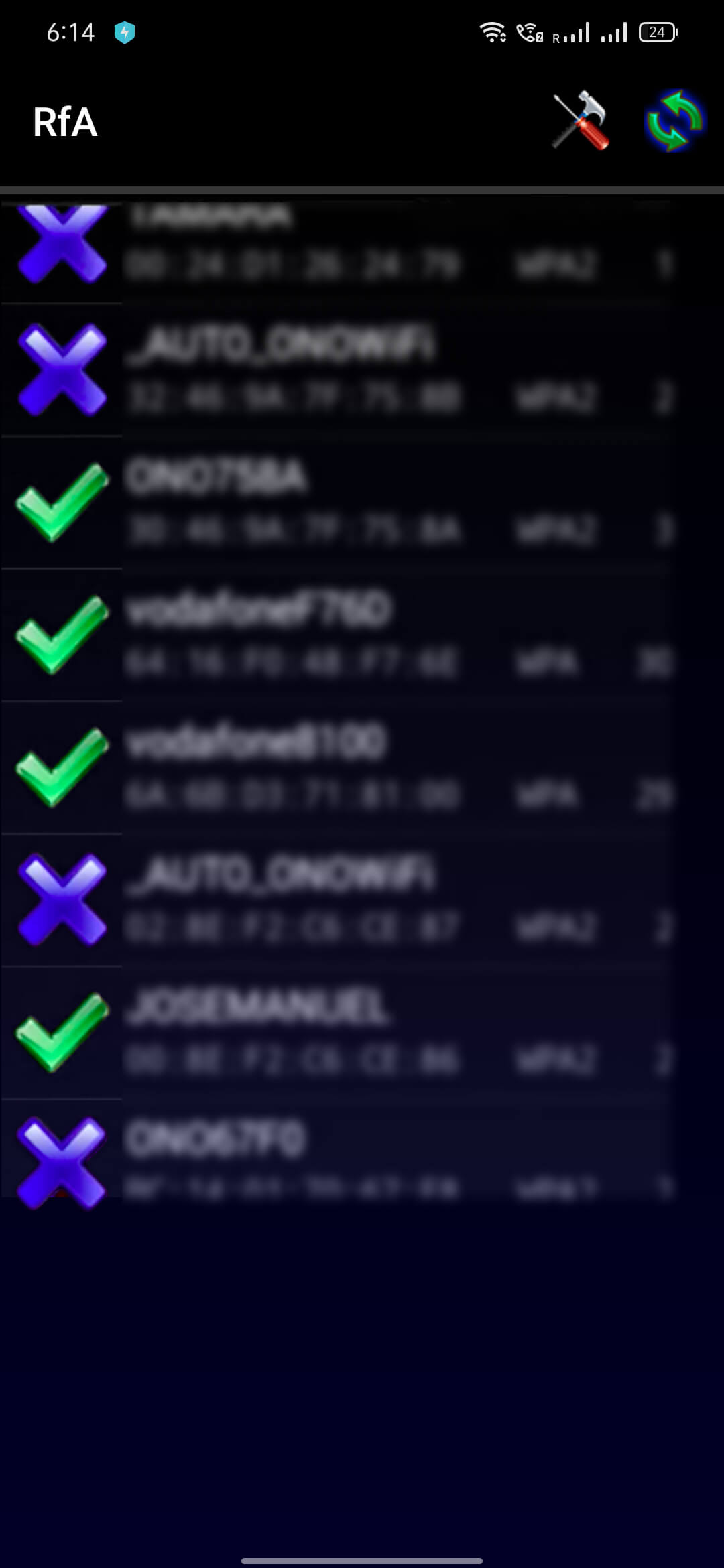
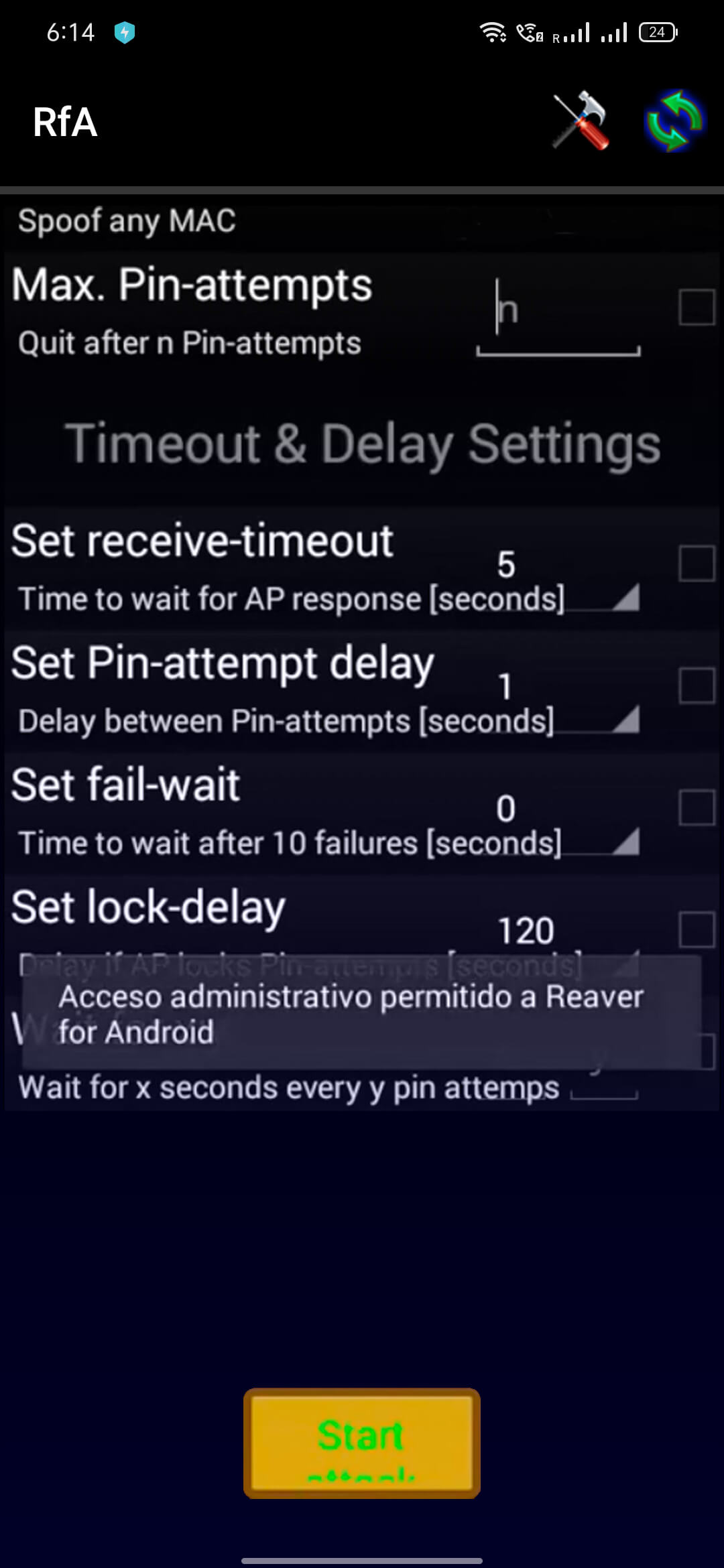
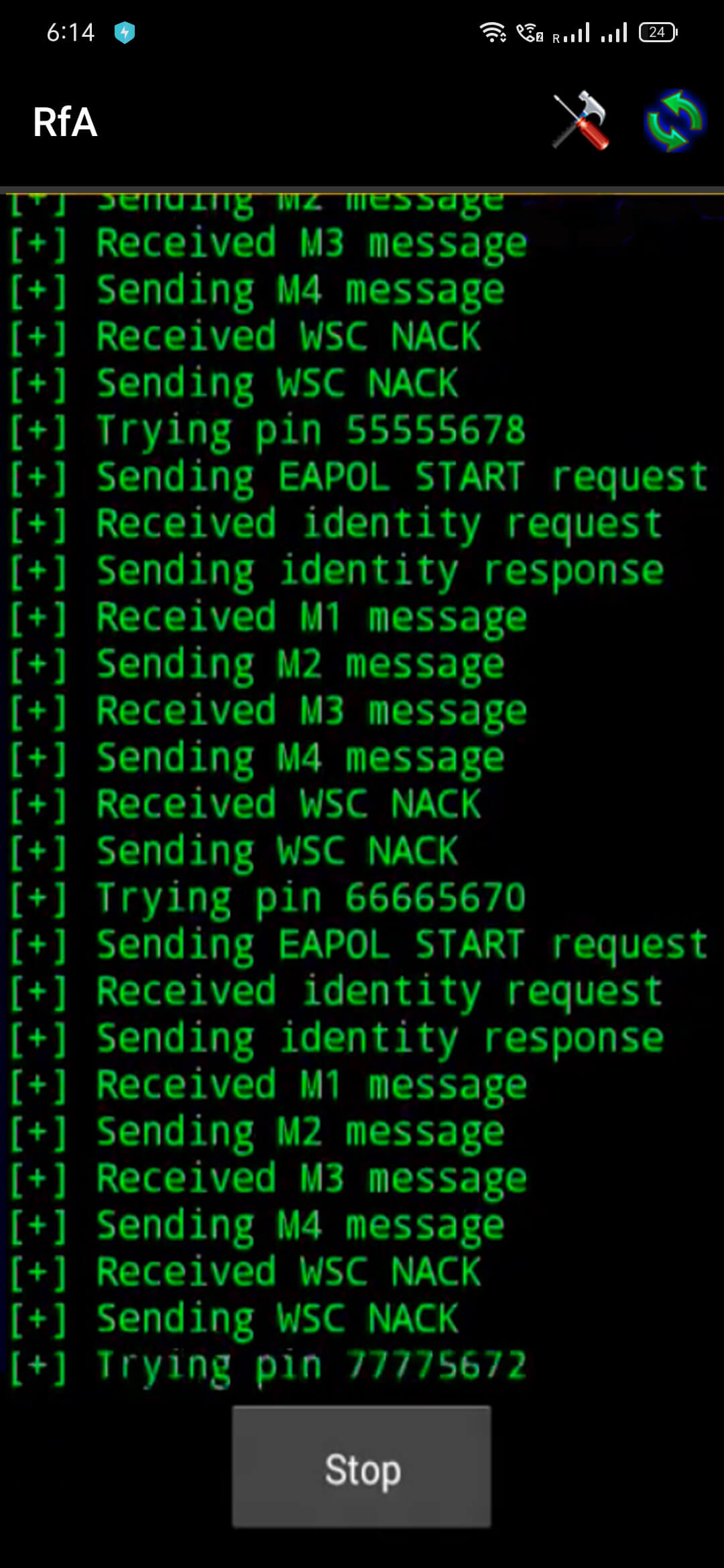
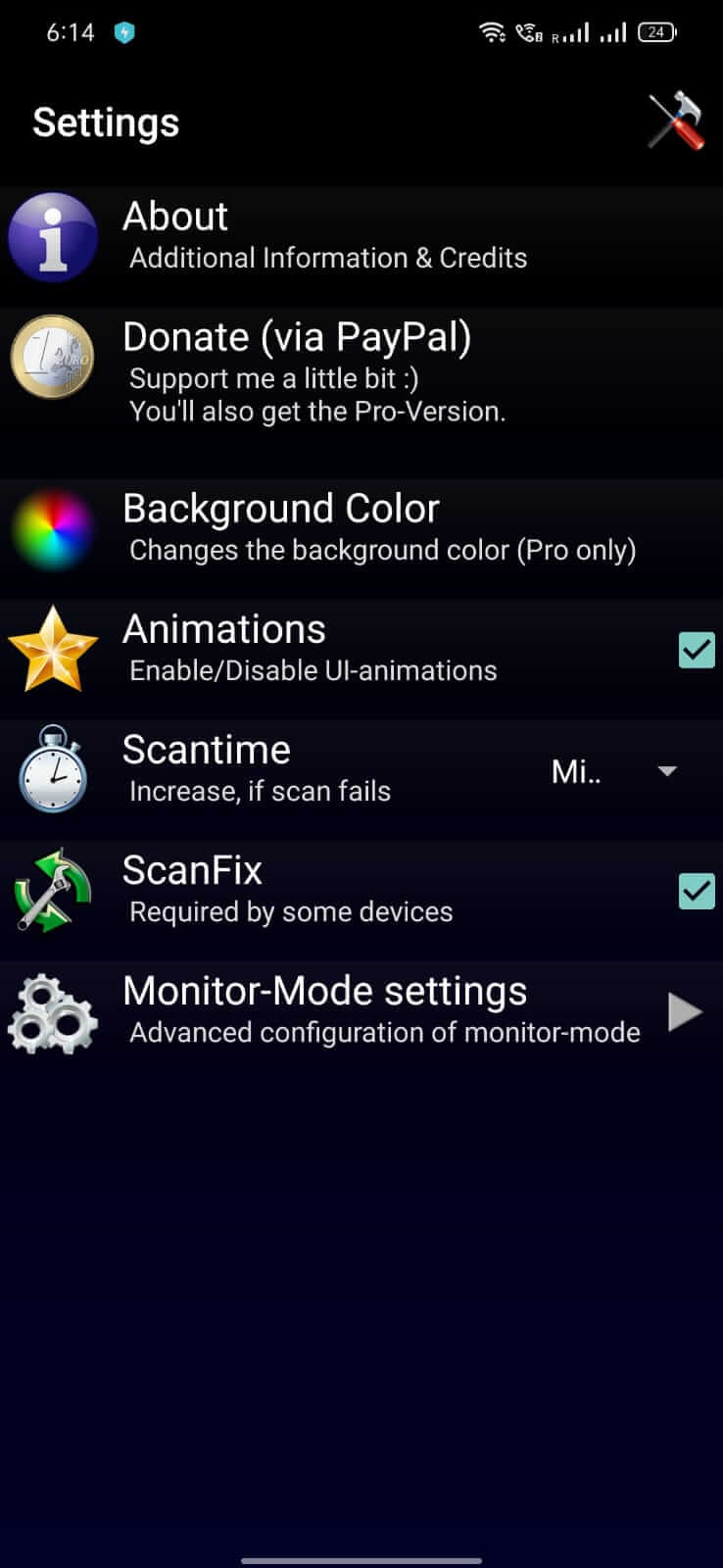
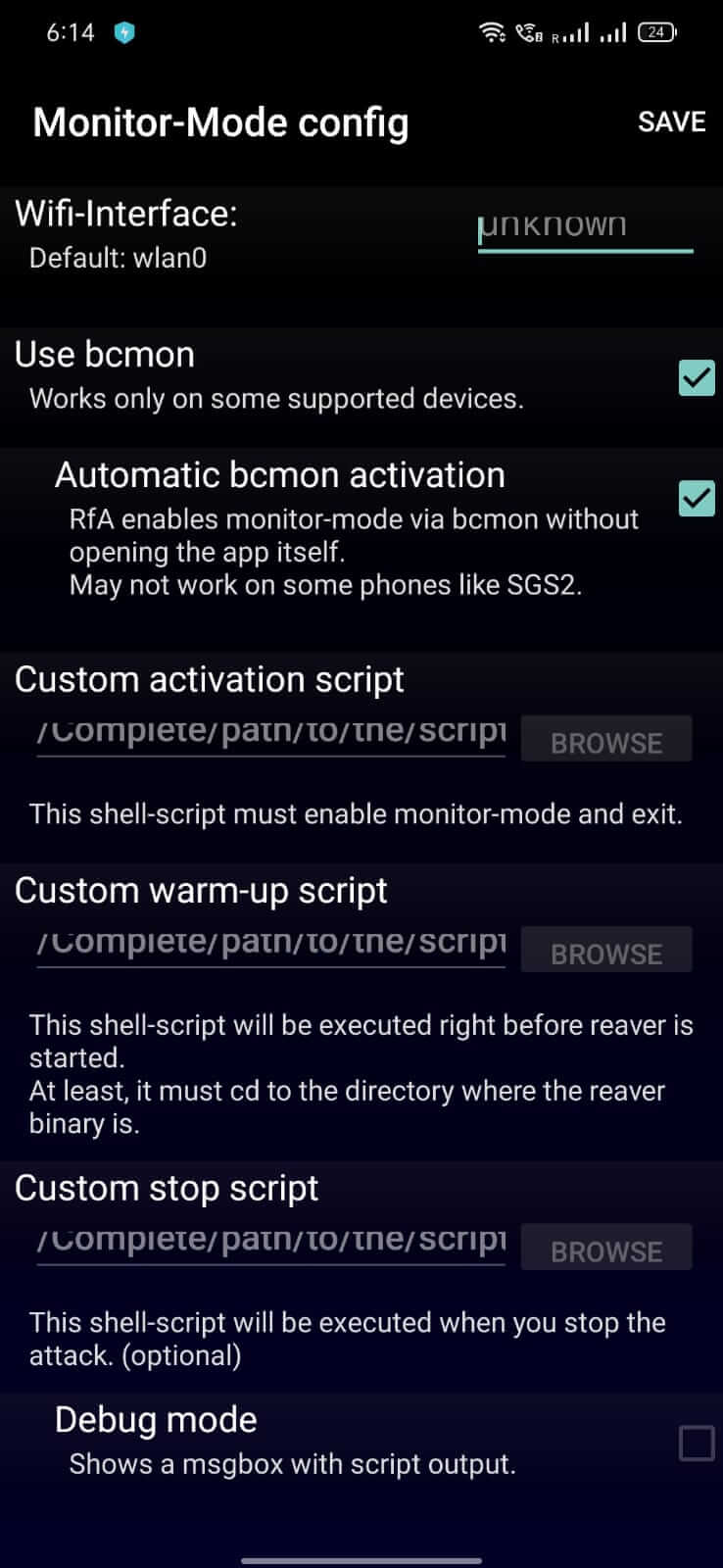

Reaver is an Android utility that attempts to recover Wi‑Fi passwords from nearby networks. If you’re searching for a lightweight app that can test the security of your own wireless connections, this page provides the latest version, installation steps, and practical advice.
Below you’ll find quick facts, a brief overview of what the app does, compatibility notes, and guidance on safe usage. We also compare Reaver with a few well‑known networking tools and suggest alternatives.
Quick Information
| App/Game Name | Reaver |
| Latest Version | 1.30 |
| Developer | Not listed |
| Category | Apps / Tools |
| App Size | 0.7 MB |
| Package Name | de.dwsoft.RfA |
| Last Updated | 3 September 2025 |
What Is Reaver?
Reaver is designed to exploit the WPS (Wi‑Fi Protected Setup) protocol to retrieve the WPA/WPA2 passphrase of a wireless network. The app scans for WPS‑enabled routers, initiates a brute‑force exchange, and attempts to reveal the network key. It is primarily aimed at security enthusiasts who want to audit their own Wi‑Fi setup.
The tool is small (0.7 MB) and does not require a large installation footprint. It is not listed on official stores, and the developer is unknown, so users should treat it as a niche utility rather than a mainstream app.
Compatibility
| Android Version | ✓ Verified — Android 2.0 and later |
| Architecture (ARM64 / 32-bit) | ✓ Verified — Supports common device architectures |
| Internet Connection | ✓ Verified — May be required for ads, updates, or login |
| Storage Needed | Not Verified |
| OBB/Data Files | Not Verified |
| Root Required | Not Verified |
How to Install
- Enable Unknown sources in your device settings (Settings → Security → Install unknown apps).
- Download the Reaver APK file to your device.
- Open the downloaded file and follow the on‑screen prompts to install.
- After installation, launch Reaver from the app drawer.
- If the app requests additional permissions (e.g., location), grant them so it can scan for Wi‑Fi networks.
Troubleshooting
- App not installed: Ensure the APK is complete and not corrupted. Verify that your Android version meets the minimum requirement (usually Android 5.0+ for most small utilities).
- Crashes on startup: Clear the app cache (Settings → Apps → Reaver → Storage → Clear cache) and try again. Re‑installing the APK can also resolve missing files.
- No networks appear: The device must have location services turned on; Android treats Wi‑Fi scans as location data.
- WPS attacks fail: Many modern routers have WPS disabled or patched against known vulnerabilities. The app cannot bypass such protections.
- Permission errors: Grant the requested location and storage permissions; without them the app cannot function correctly.
Safety & Security
Reaver is a modified utility that interacts directly with Wi‑Fi hardware. Because it manipulates network security protocols, using it on networks you do not own can be illegal in many jurisdictions. Always limit testing to your own devices and obtain permission before assessing any other network.
The source of the APK is not officially verified. Before installing, scan the file with a reputable antivirus app and review the permissions it requests. Avoid entering personal credentials or sensitive information within the app.
Updates to Android or to router firmware may render the current build ineffective. If a newer version of Reaver is released, previous modifications might stop working.
How Reaver Compares
| Feature | Reaver | WPS Connect | WiFi Analyzer |
|---|---|---|---|
| Price / Free model | Free (unofficial build) | Free with optional ads | Free with optional premium upgrade |
| Platform availability | Android only | Android only | Android & iOS |
| Standout feature | WPS brute‑force password recovery | Simple WPS PIN testing | Signal strength mapping and channel analysis |
| Best for | Security testing of your own Wi‑Fi | Quick check of WPS‑enabled routers | Optimising Wi‑Fi placement and interference |
Alternatives
- WPS Connect – A straightforward Android app that attempts to connect to WPS‑enabled routers using default PINs.
- WiFi Analyzer – Focuses on signal strength and channel optimization rather than password recovery, useful for improving network performance.
- WiFi WPS WPA Cracker – Another Android tool that targets WPS vulnerabilities, offering a similar brute‑force approach.
- Aircrack-ng – A powerful desktop suite for Wi‑Fi security testing; requires a PC and compatible wireless adapter.
- Kali NetHunter – A mobile penetration‑testing platform that includes a range of Wi‑Fi cracking utilities, but demands a rooted device.
Final Verdict
Reaver can be a handy, lightweight option for users who want to audit the security of their own Wi‑Fi networks via WPS. Its small size and straightforward interface are strengths, but the lack of an official source and potential legal implications mean it should be used cautiously. Verify the APK’s integrity, restrict usage to networks you own, and consider more actively supported tools if you need broader functionality or regular updates.
Frequently Asked Questions
The APK is unofficial, so you should scan it with antivirus software and only install it from a trusted source.
The latest released version is 1.30, updated on 3 September 2025.
Reaver works on most Android devices running Android 5.0 (Lollipop) or newer, but exact compatibility varies.
Root is not strictly required, but some devices may need elevated permissions for full Wi‑Fi scanning capabilities.
This error often appears if the APK is corrupted, if unknown sources are disabled, or if the device’s Android version is incompatible.
Attempting to access or crack Wi‑Fi networks without permission is illegal in many regions and is strongly discouraged.
No, Reaver is not listed on the Google Play Store; it is distributed as an unofficial APK.
Future Android updates or router firmware changes can affect Reaver’s ability to perform WPS attacks.